A shopper likes your product, the price, and even the color you spent three meetings naming “Coastal Slate.”
Then they leave.
What happened?
Sometimes the problem is uncertainty, not persuasion.
They could not tell whether the bag would hold their laptop. They wondered how the coffee maker came apart for cleaning. Or they wanted to see how that jacket looked on a person who was actually moving.
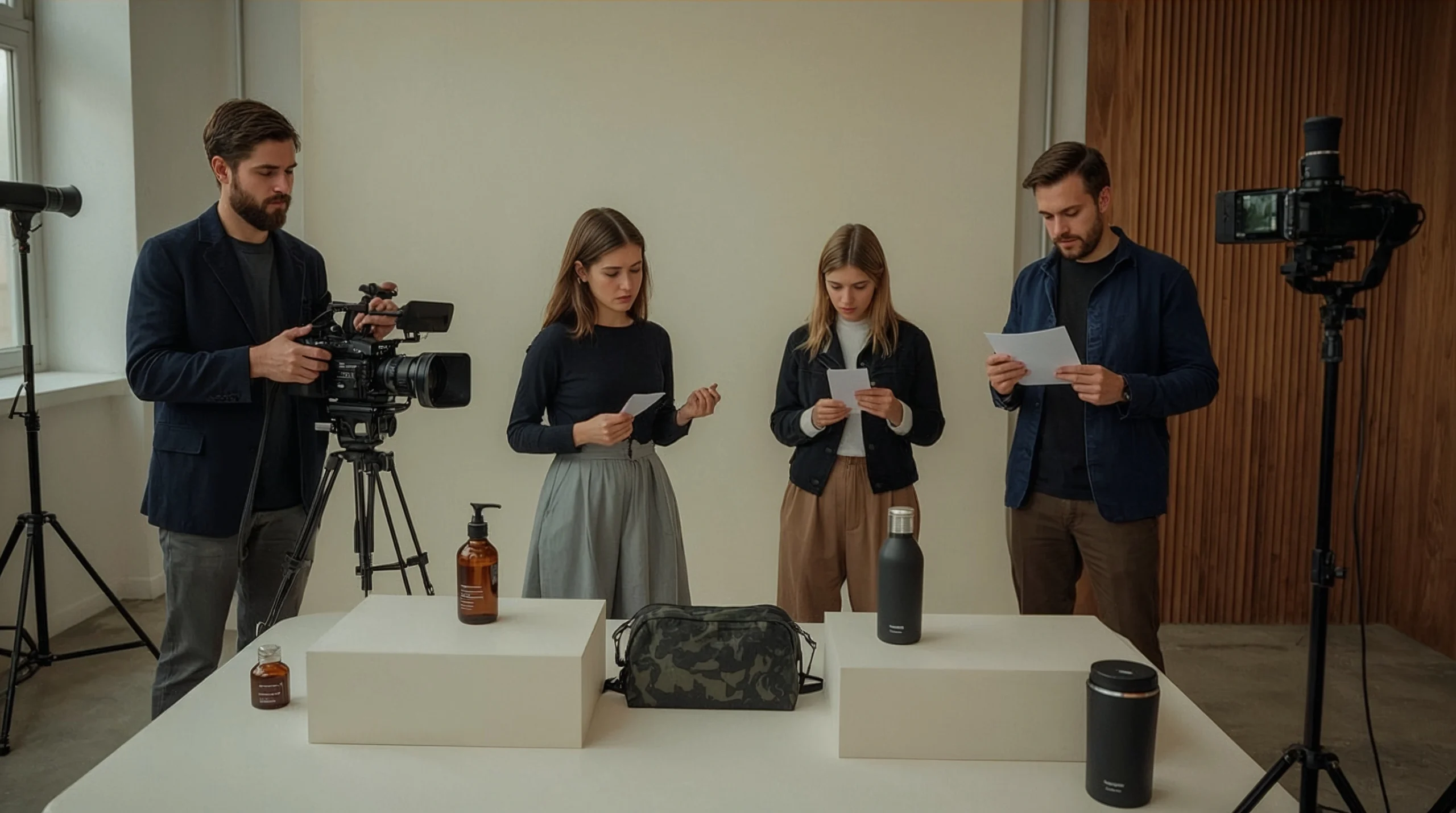
Video production services for e-commerce brands can answer those questions. They turn product descriptions into visible proof of how something looks, works, or fits into everyday life. Next, choose the right video for the question at hand.
The goal is clarity.
Not every product needs a cinematic launch film. Sometimes a useful demonstration beats a glossy montage because it makes the buying decision easier.
Here are seven ways to plan product videos that support online sales, choose the right production partner, and measure whether your investment is working. Start with the buying doubt you need to remove.
Table of Contents
1. Use product videos to remove a specific buying doubt
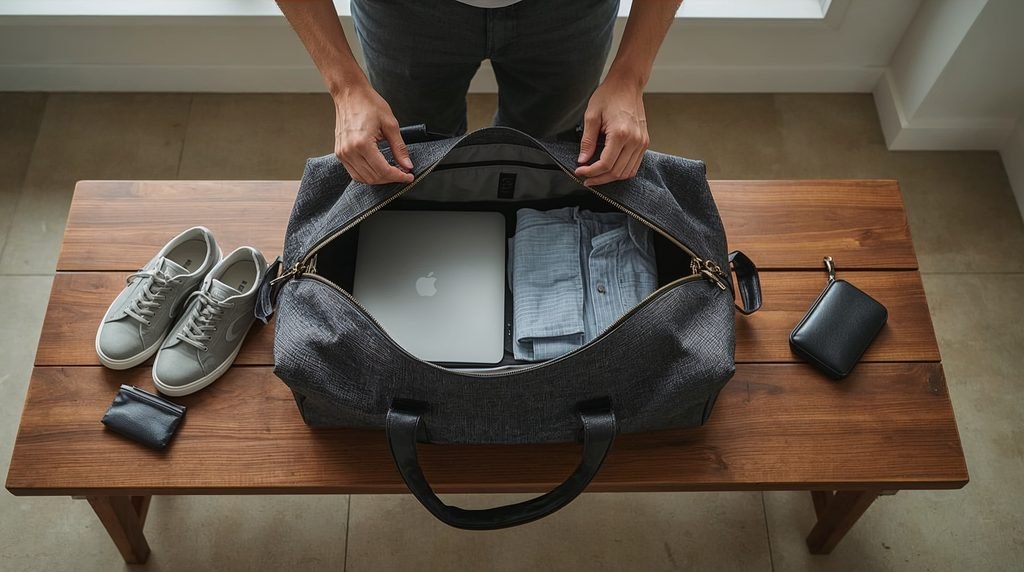
Imagine you sell a weekender bag.
Your photographs show the exterior, lining, and hardware. They look good. But the shopper still wants to know whether a laptop, sneakers, and three days of clothes will fit.
A packing demonstration answers that question without asking them to interpret dimensions.
That is the practical value of ecommerce product video production: showing details that are difficult to communicate through still images alone.
Baymard’s usability research supports using videos to communicate aspects of a product’s feel and features. Videos should complement, rather than replace, the product photos shoppers use for detailed inspection. With that in mind, find the question before planning the shot.
Find the question before planning the shot
Review your customer-service messages, reviews, and sales conversations.
Look for repeated questions:
- Is it larger or smaller than it looks?
- How does it open, attach, fold, or adjust?
- What does assembly involve?
- What arrives in the box?
- How does the material move?
- What does normal use look like?
I would start with the question that keeps appearing, not the shot that would look most impressive on a production company’s reel. That keeps the focus on the buyer’s need, not the visual flourish, and it leads naturally to a more useful decision about the shot.
A close-up of a clasp opening may be more useful than ten seconds of the product rotating through theatrical smoke.
Nice atmosphere. Still no answer.
2. Match the video format to the product and the customer
“Product video” covers several different jobs.
A demonstration explains operation. A lifestyle video shows context—an unboxing shows what is included. Paid-social creative delivers a reason to pay attention.
Specialist providers describe these formats across their ecommerce offerings. Soona lists product-page content, ads, unboxings, and creator content; AD.JUST describes product demonstrations and content for online marketplaces and stores. Taken together, these examples show the range of available formats.
| Format | Main buying question | Suggested application |
| Product demonstration | How does it work? | Product page or how-to content |
| Lifestyle video | How would I use it? | Product page or campaign |
| Unboxing | What will arrive? | Product page or social |
| UGC-style demonstration | What does a person do with it? | Social or paid creative |
| 3D animation | What is difficult to show on camera? | Product education |
| Short-form ad | Why should I consider it? | Prospecting or retargeting |
These are starting recommendations, not claims that one format always converts better.
Product demonstration versus lifestyle video
A product demonstration might show a portable blender being filled, operated, and cleaned.
A lifestyle video might show it being used before a morning commute.
Both can help, but they address different uncertainties.
If your budget covers one format, choose the video that answers the most important unanswered question. That choice sets up the production plan and the creator-led options that may follow.
For creator-led content, you can work with a creator on a hands-on product demonstration. Give the creator accurate product information and room to explain it naturally.
Do not present paid creator content as an independent customer review. Disclose material relationships and paid endorsements where applicable.
3. Plan product-page and advertising versions before filming
One shoot can provide several useful assets—but only if you plan for them. To do that, define each version before filming.
A landscape demonstration does not automatically become a good vertical ad. Cropping can remove the hand, label, or feature that makes the shot useful.
Before booking Shopify product video production services or Amazon product video production services, specify where each video will appear.
Build a channel-specific deliverable list
A practical list could include:
- One product-page demonstration.
- A vertical social edit.
- A landscape version where required.
- Captioned and clean exports.
- Alternative opening hooks.
- Separate feature clips.
- A thumbnail or poster image.
AD.JUST describes repurposing footage for Amazon, Shopify, and advertising. Soona also offers platform-oriented video options. Use those versions in your quote so the plan matches the channels, and carry that planning into the platform-specific checks that follow.
For Shopify, confirm that your theme supports the product media you want to display. Shopify supports video uploads and supported video embeds; its guide to product videos and media explains the available methods.
For Amazon, identify the actual listing or advertising placement and ask the provider to check the current requirements for that use.
“Amazon-ready” is a deliverable description, not a substitute for a compliance check.
4. Write a production brief that makes quotes comparable
A vague brief creates vague pricing.
“Make us something premium” may sound clear in a meeting. It tells a production team very little about the actual job.
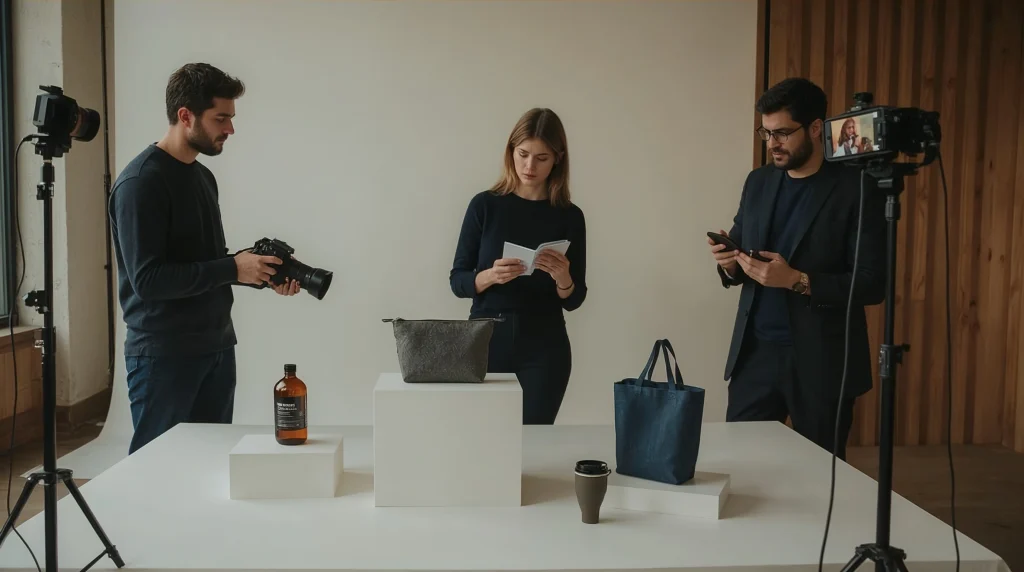
A useful brief explains what the video must show, where it will appear, and what files you expect to receive.
Include the essentials
- Products and quantities to film.
- Target customer.
- Main benefit and buying objection.
- Intended platforms and placements.
- Required videos, lengths, and formats.
- Visual references.
- Budget and deadline.
- Approval contact.
- Shipping and sample-return instructions.
- Usage and licensing needs.
Use a product video production brief template to make competing proposals describe the same scope.
Then ask what the package includes: strategy, scripting, storyboards, styling, casting, voiceover, music, captions, graphics, and revisions. That question helps you separate package names from actual scope.
Define the phrase “full service.” So does “one video.”
Is that one finished edit? Three platform versions? A collection of clips? A video with licensed music and paid-ad permissions?
For a simple project, you may be able to hire a videographer for a focused product demo instead of commissioning a larger campaign.
The deciding variable is complexity—not how impressive the package name sounds.
5. Choose an ecommerce video production company by fit
An attractive portfolio is a good beginning. It is not the whole decision.
Ask whether the production team has filmed products with challenges similar to yours.
Reflective cookware, flowing fabric, transparent bottles, and tiny jewelry require different approaches. So do food styling, assembly demonstrations, and creator-led ads.
Look for evidence that the team understands your product and intended channels.
Three relevant providers to investigate
This is a scope-based shortlist, not a ranking of production quality.
| Provider | Published services | Relevant project type |
| Soona | Product-page content, ads, unboxings, and creator content | Repeatable ecommerce assets |
| AD.JUST | Amazon and Shopify videos, demonstrations, and social creative | Marketplace and multichannel content |
| Sparkhouse | Creative concepts, filming, editing, graphics, and sound | Coordinated product campaigns |
Compare similar work, references, communication, and contract details. Provider pages describe what companies offer; they do not independently prove superior results. From there, decide whether agency, creator, or in-house best matches the work.
Agency, creator, or in-house? Match the team to the work:
My recommendation is to match the team to the work:
- Choose a studio or agency when the project needs coordinated planning, specialist filming, and several deliverables.
- Consider a creator for a clearly defined, hands-on demonstration.
- Use in-house production for repeatable tasks your team can handle consistently.
- Hire an editor when your existing footage already shows what matters.
You may not need another filming day. Sometimes you need to repurpose existing footage into short social ads.
The right production partner solves your problem. The biggest team is not automatically the best fit, so the next comparison is cost, timelines, revisions, and rights.
6. Compare costs, timelines, revisions, and rights
How much does ecommerce video production cost?
Without a scope, the honest answer is: you do not yet have enough information.
For context, Soona publishes an estimated $812 how-to demo example. AD.JUST lists basic product-video starting figures around 3,500–5,000. These examples describe different offerings and are not a dependable market-wide price range. Use them as context, then compare what changes the price.
What changes the price?
Ask providers to explain:
- Number of products and finished edits.
- Studio or location requirements.
- Models, creators, or voiceover.
- Styling and specialist equipment.
- Animation or motion graphics.
- Platform versions.
- Revision rounds.
- Music, talent, and advertising rights.
Request an itemized proposal. A lower initial quote may be less attractive if essential exports and permissions cost extra.
How long does production take?
Ask for milestones rather than a single turnaround number.
Your schedule should cover product receipt, concept approval, filming, first edit, feedback, and final delivery.
AD.JUST’s page distinguishes delivery after product receipt from its wider production process. That illustrates why the starting point matters when comparing timelines, shipping, and approvals.
Shipping, remote approval, and revisions
Some studio workflows require product samples. AD.JUST requests shipping, while Soona provides instructions for joining virtual shoots. Validate attendance options, approval checkpoints, and sample returns.
Also ask what counts as a revision. Changing caption wording is not the same as changing the demonstration after filming.
For existing footage, you can hire an editor for captions and platform versions. Agree on source-file quality and final exports first.
Who owns the files?
Put finished-video ownership, raw footage, project files, music licenses, talent permissions, and paid-media usage terms in writing.
Do not assume a delivered MP4 gives you every right you might need.
7. Make videos visible, then test their effect on sales
A useful video hidden below a long product description is a shop assistant waiting behind a locked door.
Baymard recommends placing product videos in or beside the image gallery and using a clear play indicator. Its research on product-video placement explains how shoppers can otherwise miss them.
Once the video is visible, measure what happens.
Product-page measurement
Where practical, randomly assign eligible visitors to comparable page versions with and without video.
Track:
- Purchase conversion rate.
- Revenue per visitor.
- Add-to-cart activity.
- Page performance.
- Returns or repeated product misunderstandings.
Keep other important changes controlled. If you change the price, offer, photography, and video together, you cannot reliably assign the result to video alone.
A guide to measuring product-page conversions can help your team agree on the test before launch.
Do not compare video watchers with non-watchers and call the difference a sales lift. People who choose to watch may already be more interested.
Advertising measurement
For ecommerce video ad production services, evaluate purchases, acquisition cost, and profitability alongside engagement.
Views tell you that people watched. They don’t tell you whether the project paid for itself.
Product videos can support sales by reducing uncertainty and showing useful details. The actual effect depends on the product, creative, audience, placement, and wider shopping experience.
A better camera will not fix a broken checkout.
Frequently asked questions
1. What are video production services for e-commerce brands?
They create product-focused video assets for online stores, marketplaces, and marketing campaigns. Provider offerings can include demonstrations, lifestyle content, unboxings, creator videos, and advertising edits.
2. How long should an ecommerce product video be?
Let the question determine the length. As an initial creative brief, consider a concise 20–45-second demonstration, then adjust for complexity. This is a planning recommendation, not a platform rule.
3. Can small businesses buy individual videos?
Some providers offer individual clips or videos. Soona publishes à-la-carte options. Check whether the purchase includes footage, a finished edit, or both.
4. Can one shoot serve product pages and social ads?
Yes, when you plan framing, scripting, exports, and rights for those uses. AD.JUST describes multichannel repurposing, but each required version should be included in the agreement.
5. When is 3D product animation useful?
Consider it when the feature you need to explain is difficult to film, such as an internal mechanism. Keep the animation faithful to the actual product.
6. Which video should a new ecommerce brand make first?
I would start with one important product and its biggest unanswered buying question. That keeps the brief focused and gives you a clear first test.
Turn your next product video into a useful sales tool
Good product videos are not about making every bottle, bag, or blender look like the star of an action film.
They show shoppers what they need to know.
Choose a specific question. Select the right format. Compare production partners using the same scope. Agree on deliverables and rights. Then measure the result.
Before booking, gather your product list, sales channels, deadline, budget, and required versions. Use those details to request a scoped e-commerce video quote.
Your next video does not need more drama. It needs to make buying easier.